 Wednesday, August 5, 2026
HP Confirms Microsoft 365 Changes Causing Printer Scan Failures
HP Confirms Microsoft 365 Changes Causing Printer Scan Failures
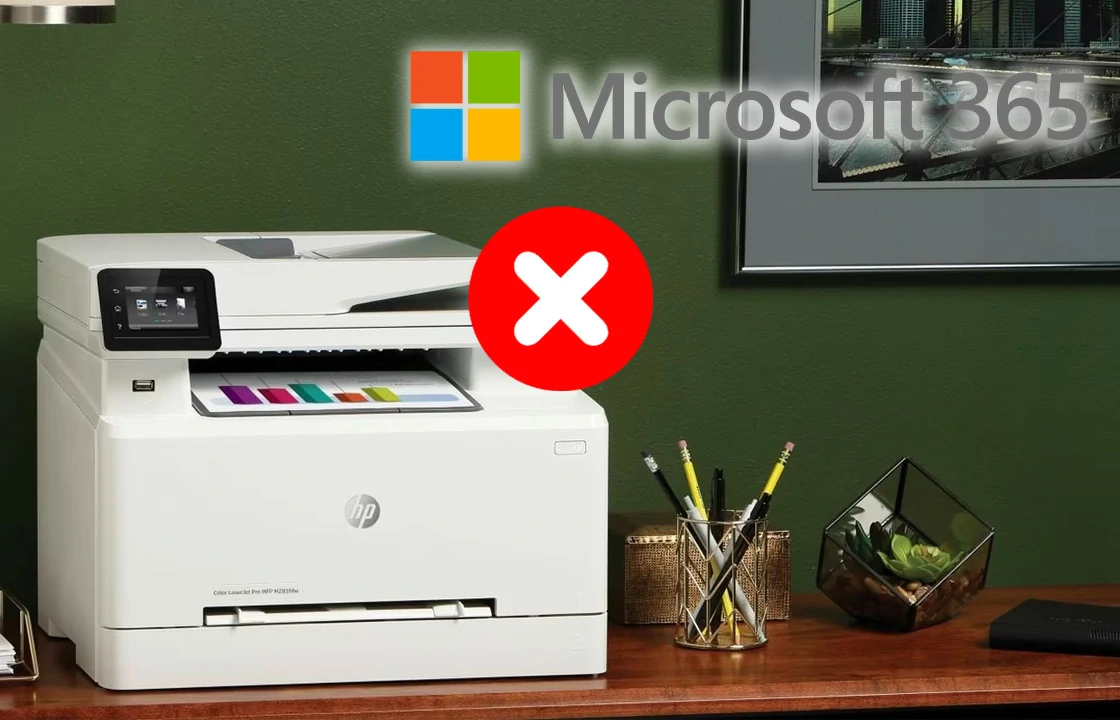
Administrators managing HP multifunction printers (MFPs) are reporting widespread malfunctions in scanning features linked to Microsoft 365 services, according to a blog from BornCity. Since August 18, several businesses have been unable to use the Scan2Mail, Scan2OneDrive, and Scan2SharePoint functions on HP devices, following recent changes made by Microsoft.
The issue first surfaced through customer reports. On August 22, a German IT administrator, identified as Florian W., notified colleagues that scanning features integrated into HP multifunction printers were failing across multiple client installations. The malfunction with Microsoft 365 may affect other users as well, Florian added in his email.
These scanning functions are built into HP devices, enabling users to send scanned files directly via email or save them to Microsoft cloud services. To function, the devices require authentication through Microsoft 365 accounts.
According to administrators, the disruption began on August 18. Efforts to resolve the issue through firmware updates and system log checks have so far been unsuccessful.
On August 20, HP Support confirmed to affected customers that recent Microsoft 365 changes were behind the malfunction. While HP technicians are working on a fix, support representatives said the company cannot yet provide a timeline for resolution.
The incident mirrors a similar disruption reported in earlier years with Ricoh devices, which also lost scanning functionality due to Microsoft 365 updates.
Related:
- Microsoft Announces Availability of Universal Print Anywhere
- HP Warns Delayed Firmware Updates Leave Printers Vulnerable
- HP Printing Revenue Dropped Amid Overall Q2 Growth
- HP Unveils First Water-Based Latex Printer in Australia
- HP Exhibits AI-Driven Indigo Range for Industrial Printing
Comment:
Please leave your comment below about the news: HP Confirms Microsoft 365 Changes Causing Printer Scan Failures.





Leave a Comment
Want to join the discussion?Feel free to contribute!