 Sunday, February 1, 2026

Zhono’s Guide to Prevent Xerox Copier from Printing Cover Page
Zhono’s Guide to Prevent Xerox Copier from Printing Cover Page
Background
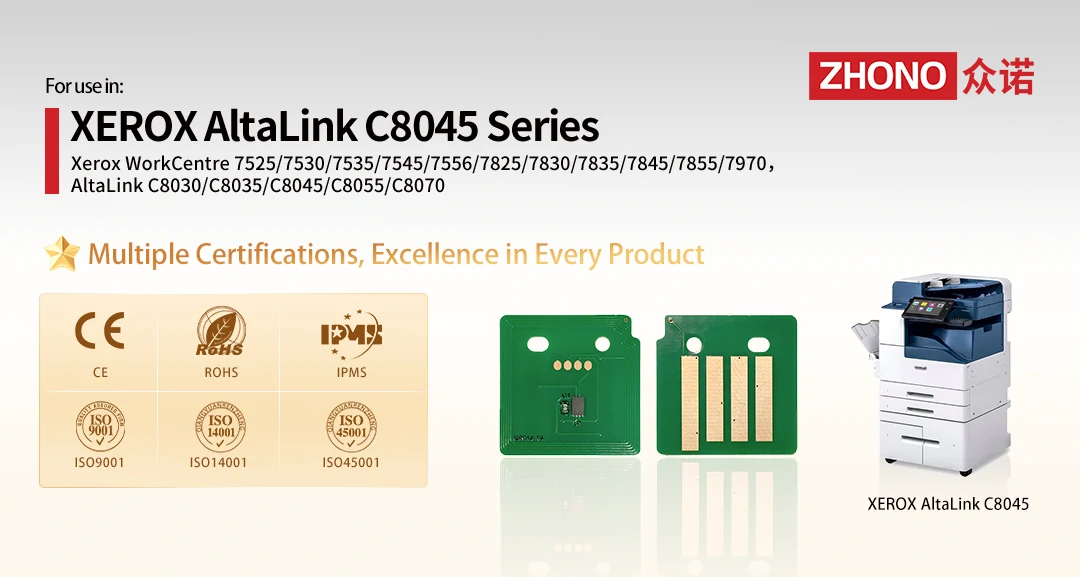
Customers have reported that some Xerox copiers automatically print a cover page each time their device powers on. This feature appears as a factory default in certain Xerox copiers. Zhono engineers discerned that this setting affects models such as the Xerox 8045, Xerox 8030, Xerox 7845, and Xerox 7535. Many customers find this feature inconvenient as it leads to paper waste and time issues.
Solution
To turn off this default setting, please follow the steps in the video below.
Video Caption:
How to Disable the Automatic Cover Page Printing Setting on Xerox Copiers
Take the Xerox 8045 as an example
Step 1. Click “Log In”.
Step 2. Enter the username “admin“, then click “Next”.
Step 3. Enter the password “1111“, then click “Done”.
Step 4. Click “Device”.
Step 5. Locate and click “Tools”.
Step 6. Under the “Device Settings” option, find and click “Configuration/Information Pages”.
Step 7. Locate “Print Configuration at Power On” , and select “No” below.
Step 8. Finally, click “OK” in the upper right corner to complete the setup.
Note: To ensure the settings take effect, it is recommended to restart the copier. Locate the “Restart“ or “Shut Down” option on the device control panel to proceed.
Zhono Compatible Chips
Better consumables start with Zhono chips. Zhono is committed to providing our customers with secure, consistent, and high-quality chips and solutions. For more details, please visit https://www.zhono.com/en/ or email us at info@zhono.com.
Related:
- Zhono Released 4 New Compatible Chips in November
- Zhono Chips Confirmed Compatible with Firmware Upgrades from Multiple Major Brands
- Zhono’s Guide to Identify Region of Origin for Toshiba Printers
- Zhono Released 3 New Compatible Chips in October
- Zhono Releases Compatible Chips for Kyocera TK Series
Comment:
Please leave your comment below about the news: Zhono’s Guide to Prevent Xerox Copier from Printing Cover Page.




Leave a Comment
Want to join the discussion?Feel free to contribute!